Live Quiz Workflow
Use this workflow when a host wants to run a Mentimeter-style live quiz during a session.
Setup
- Create the quiz in the admin dashboard.
- Add questions and options.
- Confirm correct answers and scoring rules.
- Link or start the live quiz for the relevant session.
During the Session
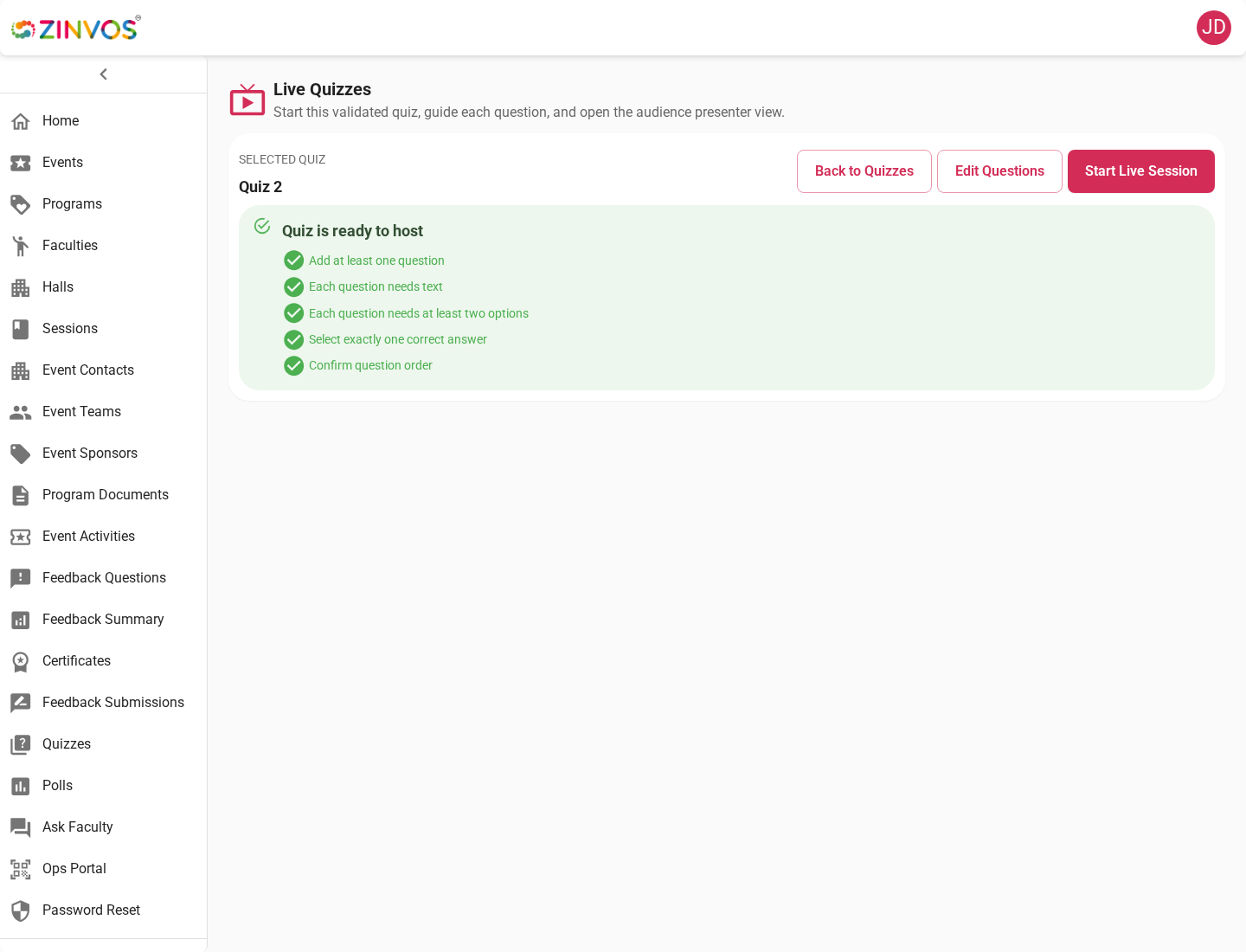
- Open the live quiz host console.
- Open presenter view on the display screen.
- Ask attendees to open the session in the mobile app.
- Start the quiz and advance through questions.
- Monitor response counts and answer state.
- Show results or leaderboard when appropriate.
- End the quiz when complete.
Support Checklist
- Confirm the attendee is logged in if the feature requires authentication.
- Confirm the attendee selected the correct event and session.
- Confirm the host has started the live quiz.
- If real-time updates fail, ask the attendee to reconnect to the network and reopen the session.