Getting Started
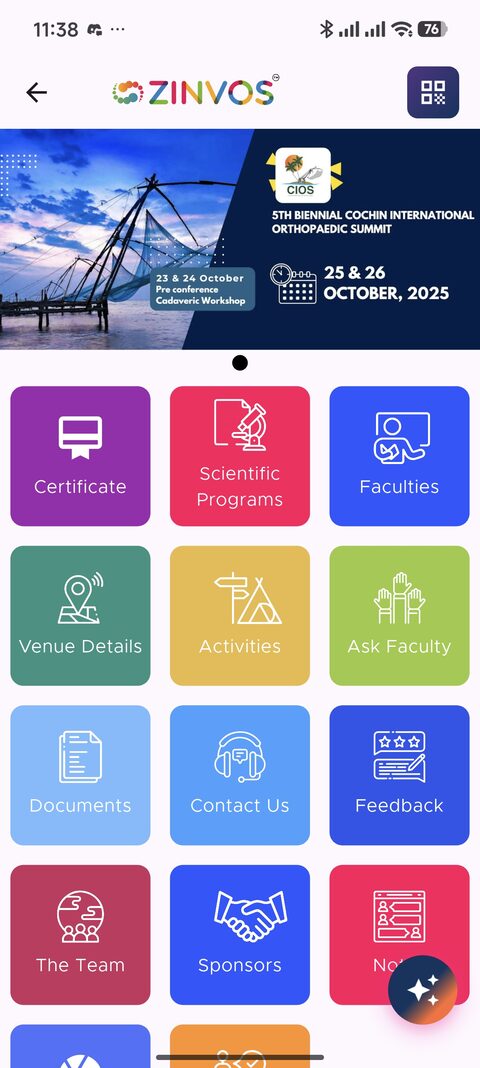
The mobile app is the attendee-facing event companion. Organizers should understand the main attendee paths so they can prepare content and answer common support questions.
Guest Browsing
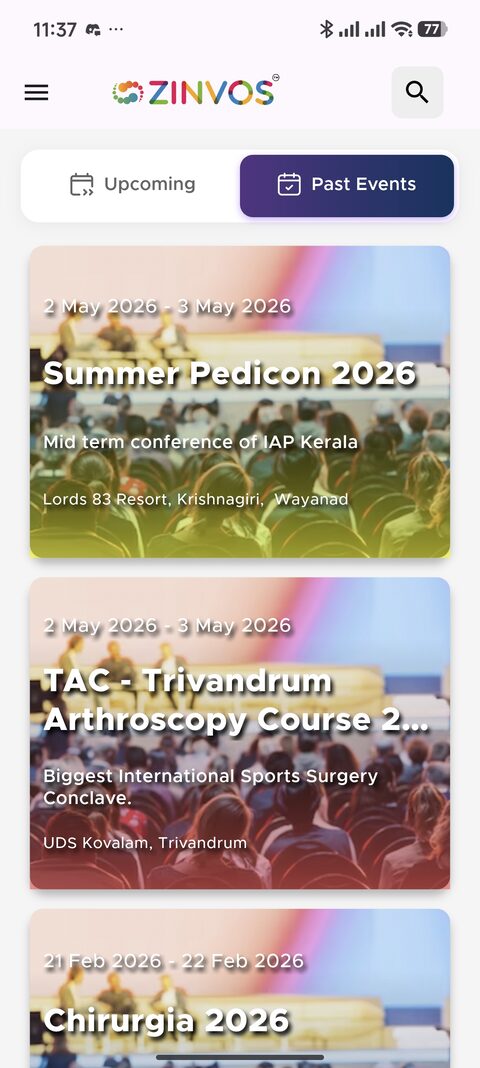
The app can open into the event list for guest browsing. Guests can view public event content, but some actions require sign-in.
Features that commonly require sign-in include registration claims, notes, Ask Faculty, live quiz participation, certificate access, and moments selfie upload.
Sign-In and Account Access
Attendees can use mobile/password login, signup, supported social sign-in, forgot password, and support contact flows. The app also stores session information so users can stay signed in.
Organizer support checks:
- Confirm the attendee is using the correct mobile number or email.
- Confirm they selected the correct event after sign-in.
- Ask them to refresh or restart the app after account changes.
- Use support contact or password reset tools when account recovery is needed.
Push Permission
The app requests notification permission and subscribes users to event-wide and favorites-related notification topics. Favorite sessions can be used to send more relevant notifications.
Attendee support note: if a user does not receive notifications, confirm phone notification permission, network access, and whether the session was favorited when the notification was sent.
App Updates
Update prompts are driven by the Play Store or App Store listing. When the installed version is below the store listing's minimum supported version, the app shows an update dialog that blocks dismissal until the update is installed. Attendees should keep the app updated through their device's app store for the best experience and access to new features.