Moments Album
Moments helps attendees access event photos where the feature is enabled.
Readiness States
Moments checks whether event moments are ready and whether the user has completed the required selfie step. Guests can view the prompt but need to sign in to upload or retake a selfie.
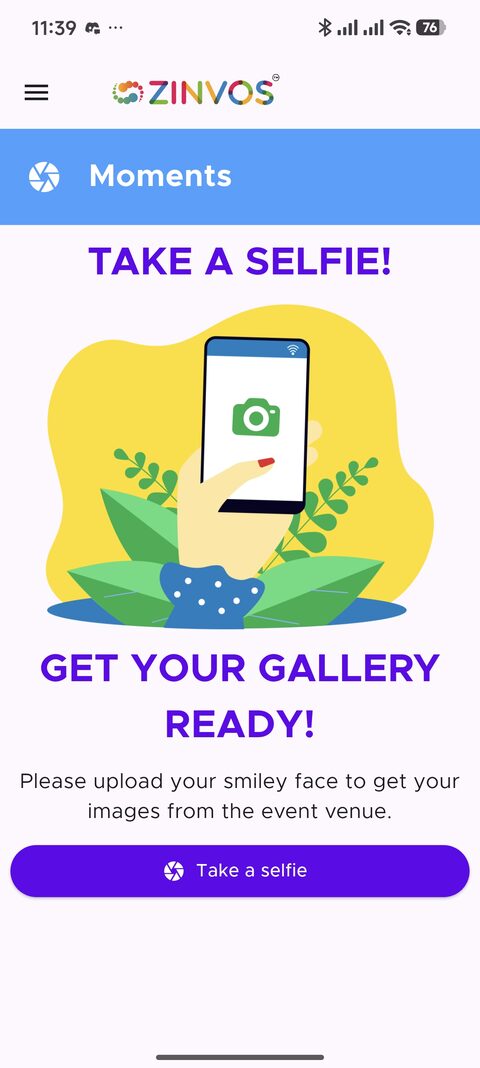
Moments prompts attendees to take a selfie before their event gallery can be prepared.
Selfie Upload
Signed-in users can upload or retake a selfie. The selfie is used to prepare the user's moments album when the event supports it.
Album View
When the event and user album are ready, the app opens the album grid. Users can open a photo full screen, swipe between photos, zoom, download to gallery, and share.
Reupload Selfie
The album menu includes a reupload selfie action. Use this if the attendee uploaded the wrong selfie or needs to refresh matching.
Organizer Support Notes
- Confirm Moments is enabled and ready for the event.
- Confirm the attendee is signed in.
- Confirm the attendee uploaded a selfie.
- If the album is empty, ask the attendee to refresh or reupload selfie if appropriate.